You should feel safe in your own home. But with so many security companies, gadgets, and monthly plans out there, choosing the right system can feel like a full-time job.
The good news: home security does not have to be complicated. A few smart choices can protect your home without confusing technology or expensive contracts.
Here is a plain-English guide to home security that works for older adults.
Why Home Security Matters for Seniors
Seniors are often targeted by burglars. The Department of Justice reports that adults over 65 are more likely to be home during a break-in than younger adults. That makes personal safety, not just property protection, a top concern.
A good security system does three things:
- Deters break-ins. Visible cameras and alarm signs make burglars move on.
- Alerts you to danger. Sensors and alarms let you know when something is wrong.
- Calls for help. Monitored systems contact the police or fire department when you cannot.
You do not need the most expensive system on the market. You need one that fits your life.
The Basics: What Every System Should Include
Before looking at brands, understand the building blocks. Most home security systems have these parts:
Door and Window Sensors
These are small devices that attach to your doors and windows. When a door or window opens, the sensor sends a signal to the main panel. If the system is armed, the alarm goes off.
Every exterior door and ground-floor window should have a sensor. They are cheap, easy to install, and the foundation of any security system.
A Control Panel or Hub
This is the brain of the system. It connects to all your sensors and cameras. Most modern systems use a touchscreen panel or a smartphone app (or both).
Look for a panel with:
- Large, readable text
- Simple buttons or touchscreen icons
- Voice prompts that tell you what is happening
- A backup battery in case the power goes out
Motion Sensors
These detect movement inside your home. They are useful for hallways, living rooms, and other common areas. If someone enters while the system is armed, the motion sensor triggers the alarm.
If you have pets, look for “pet-immune” motion sensors. These ignore animals under a certain weight (usually 40 to 80 pounds).
A Loud Siren
When the alarm triggers, the siren sounds. This does two things: it scares the intruder, and it alerts you and your neighbors. A siren should be loud enough to hear from outside the house.
Professional Monitoring (Recommended)
This is where a team of people watches your system around the clock. If an alarm goes off and you do not respond, they call you. If you do not answer, they send police or fire.
Professional monitoring typically costs $15 to $45 per month. It is worth it for seniors who live alone. If you fall, get hurt, or cannot reach a phone, someone is already watching.
Features That Matter Most for Seniors
Not every feature is worth paying for. Here are the ones that make the biggest difference for older adults.
Medical Alert Integration
Some security systems include a medical alert button. You wear it as a pendant or wristband. Press the button and the monitoring center calls for help. This is especially useful for people who live alone or have a history of falls.
If your security company does not offer this, you can add a standalone medical alert device. But having everything in one system is simpler.
Smartphone Alerts
Even if you are not tech-savvy, smartphone alerts are helpful. You get a notification on your phone when:
- A door opens
- Motion is detected
- The alarm goes off
- A camera spots someone
You can check these alerts from anywhere. If you are visiting family or running errands, you still know what is happening at home.
Video Doorbell
A video doorbell lets you see and talk to whoever is at your door without opening it. This is a big safety feature. You can:
- See delivery drivers and tell them where to leave packages
- Talk to visitors without getting up
- Spot strangers and choose not to answer
- Record footage of anyone who comes to your door
Video doorbells are easy to install. Most run on batteries or connect to your existing doorbell wiring.
Smart Locks
Smart locks let you lock and unlock your door with a code, a smartphone, or a voice command. No more fumbling with keys. You can also:
- Give temporary codes to family, neighbors, or caregivers
- Lock the door remotely if you forget
- See a log of who entered and when
Look for smart locks with a physical keyhole as backup. Technology fails sometimes, and you want a way in.
Automatic Lights
Lights on timers or motion sensors make your home look occupied, even when you are away. Burglars avoid homes that look like someone is there.
You can set lights to turn on at sunset and off at bedtime. Or use motion-activated lights outside to illuminate dark areas around your home.
Systems Worth Considering
There are dozens of home security brands. Here are a few that are known for being senior-friendly.
SimpliSafe
- No long-term contract
- Easy self-installation (peel-and-stick sensors)
- Clear, simple app and control panel
- Professional monitoring starts around $20 per month
- Medical alert pendant available as an add-on
Ring Alarm
- Works with Ring video doorbells and cameras
- Affordable equipment and monitoring
- Simple app with large, clear controls
- Professional monitoring around $20 per month
- No contract required
ADT
- The largest professional monitoring company in the U.S.
- Professional installation (someone sets it up for you)
- 24/7 monitoring with fast response times
- Higher monthly cost (usually $30 to $50)
- Requires a contract (usually 36 months)
Medical Guardian (Security + Medical Alert)
- Combines home security with medical alert
- Fall detection built into wearable devices
- 24/7 monitoring
- Good option for seniors who want both in one package
What You Can Skip
Security companies love to upsell. Here are features most seniors do not need:
- Indoor cameras in every room. One or two in main areas is enough. Too many cameras create privacy concerns and clutter.
- Smoke and CO detectors from the security company. Your existing detectors are probably fine. Only replace them if they are old or not working.
- Glass break sensors in every window. Door and window sensors cover the main entry points. Glass break sensors add cost without much extra protection.
- Long-term contracts. Many companies now offer month-to-month plans. Avoid locking yourself into a three-year contract if you can help it.
Free and Low-Cost Security Steps
You do not need to spend a dime to make your home safer. Start with these:
- Lock your doors and windows. It sounds obvious, but many break-ins happen through unlocked doors.
- Use timers on lights. A lamp on a timer costs a few dollars and makes your home look occupied.
- Trim bushes near windows. Overgrown shrubs give burglars a place to hide.
- Get to know your neighbors. Neighbors who watch out for each other are one of the best security systems there is.
- Do not advertise travel plans on social media. Wait until you are home to post vacation photos.
- Keep valuables out of sight. Do not leave expensive items visible through windows.
Setting Up Your System
If you buy a self-install system (like SimpliSafe or Ring), here is a simple setup process:
- Start with the control panel. Plug it in and connect it to your Wi-Fi.
- Add door sensors. Place one on every exterior door. Peel off the adhesive backing and stick them in place.
- Add window sensors. Focus on ground-floor windows first.
- Place motion sensors. Put them in main hallways or living areas, about five to six feet off the ground.
- Install the video doorbell. Follow the instructions for your model. Most take 15 to 30 minutes.
- Test everything. Arm the system and walk through your home. Make sure each sensor triggers correctly.
- Set up monitoring. Choose a plan and activate it through the app or website.
If you prefer professional installation, ADT and several other companies will send someone to your home to set everything up.
Ask for Help If You Need It
There is no shame in asking a family member, neighbor, or tech-savvy friend to help with setup. Many security companies also have phone support lines that walk you through every step.
The goal is not to become a tech expert. The goal is to feel safe in your home. Whatever it takes to get there is the right approach.
Reported by Helen Brady with additional research from the SeniorDaily editorial team. For corrections or updates, please contact us.
Topics in this story
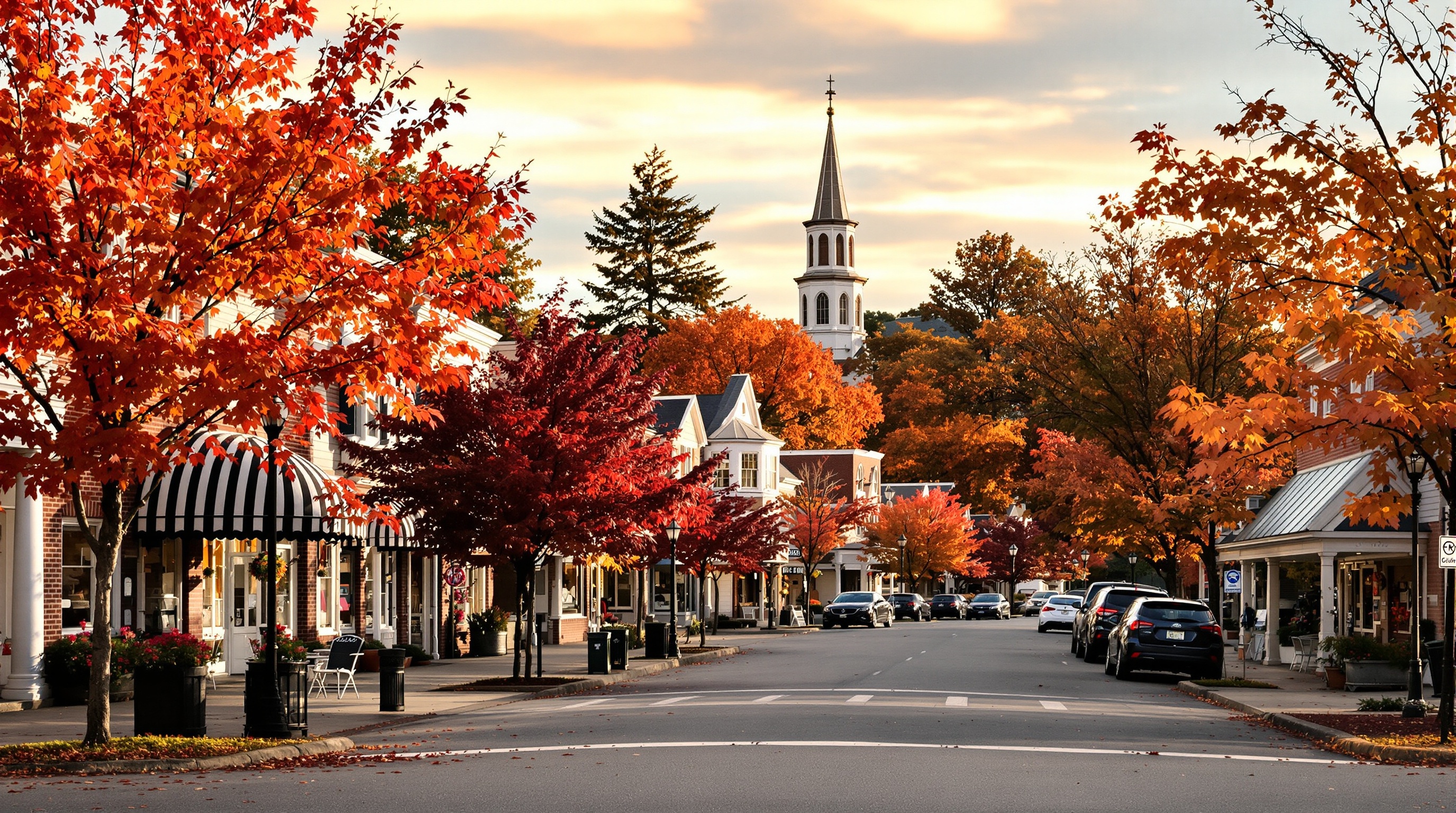
The Best Small Towns for Retirement in 2026, According to New Rankings
New data reveals the best small towns for retirement in 2026. See which affordable, friendly communities made the list and what makes them stand out.
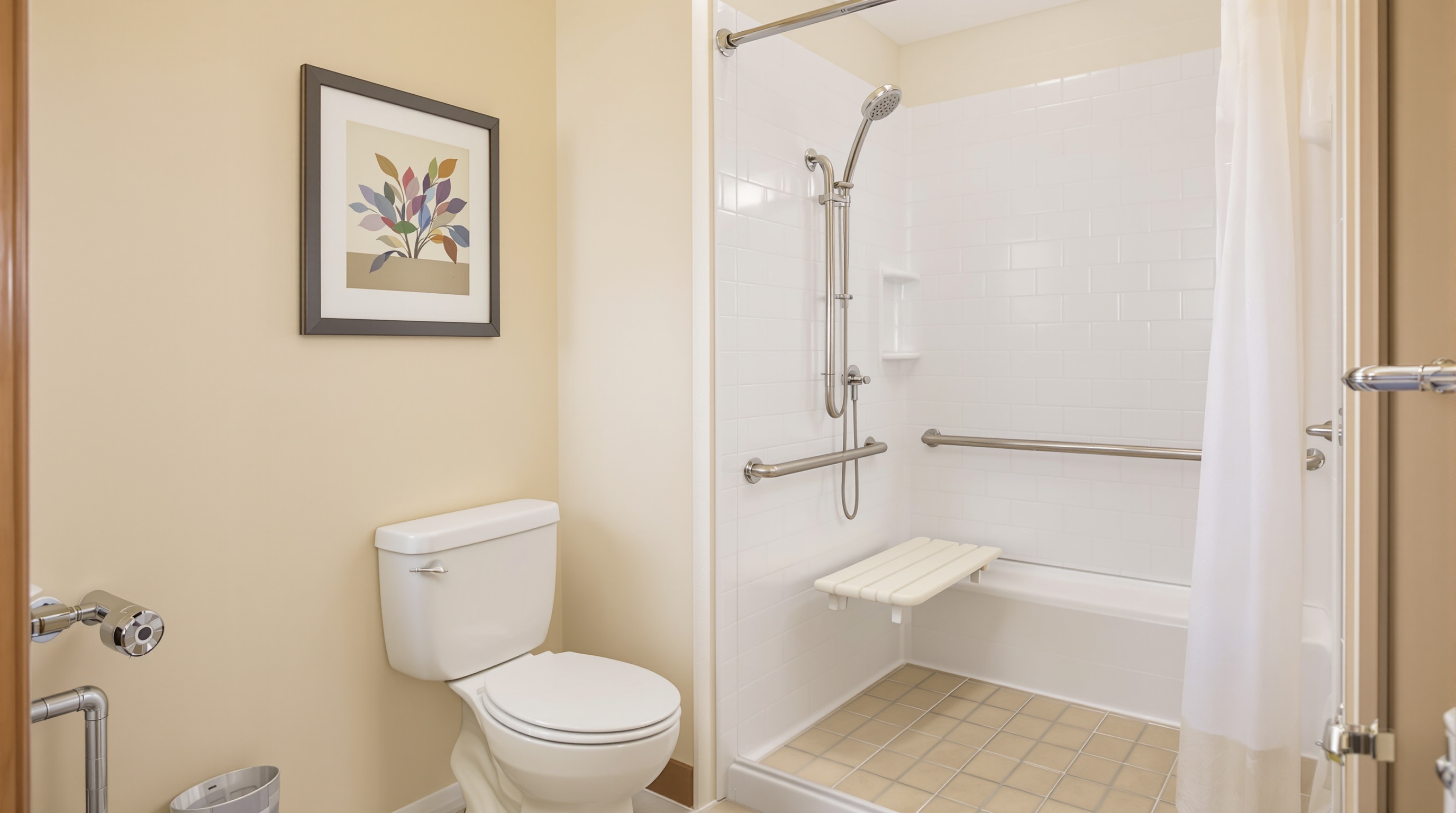
Aging in Place: Smart Home Modifications That Keep You Safe and Independent
Practical home modifications that help older adults stay safe and independent. From grab bars to lighting, here is what to change and what it costs.
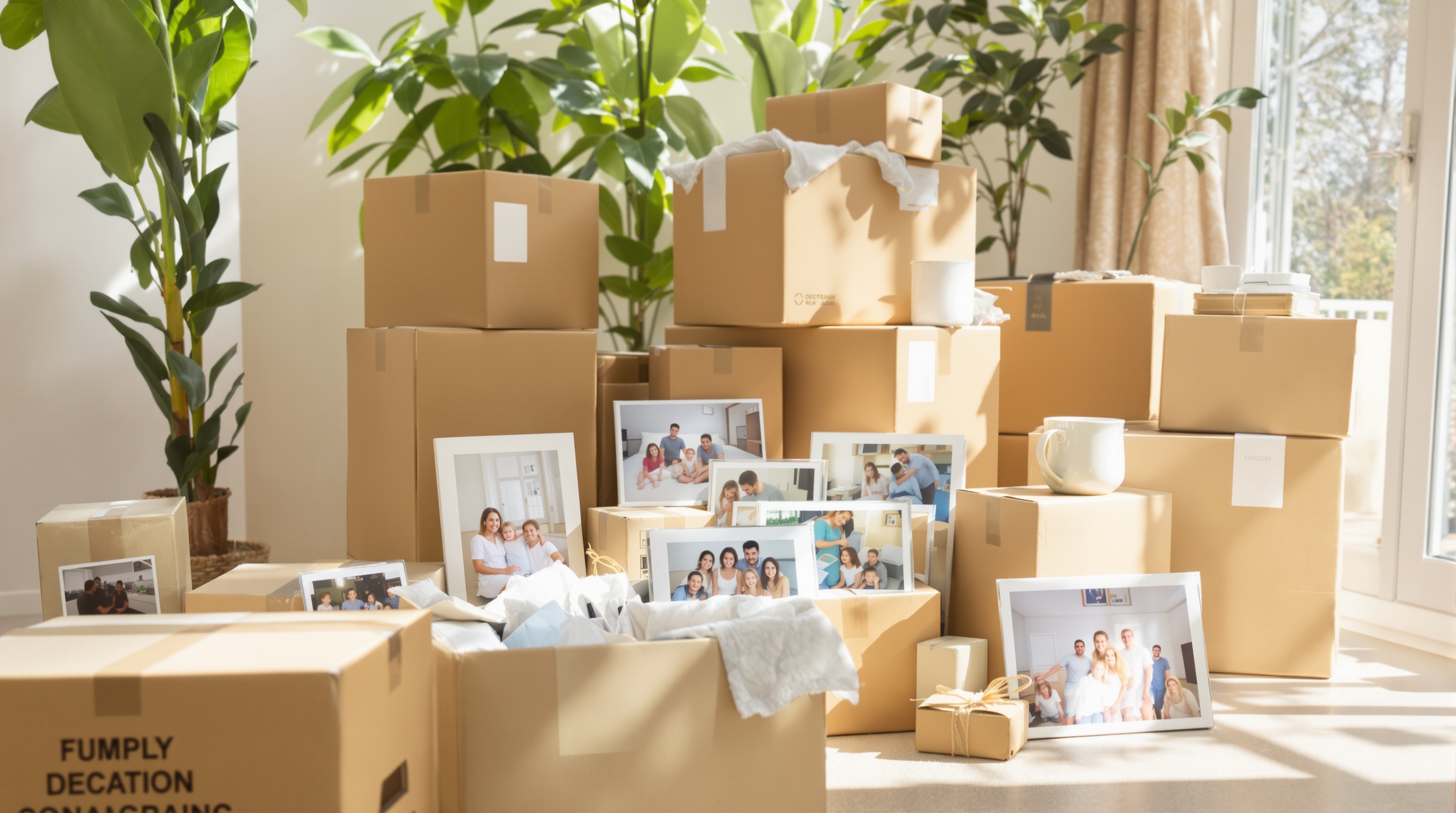
The Gentle Art of Downsizing: A Room-by-Room Guide for When You Are Ready
A practical, room-by-room guide to downsizing your home. Tips for letting go, sorting belongings, and making the process less stressful.